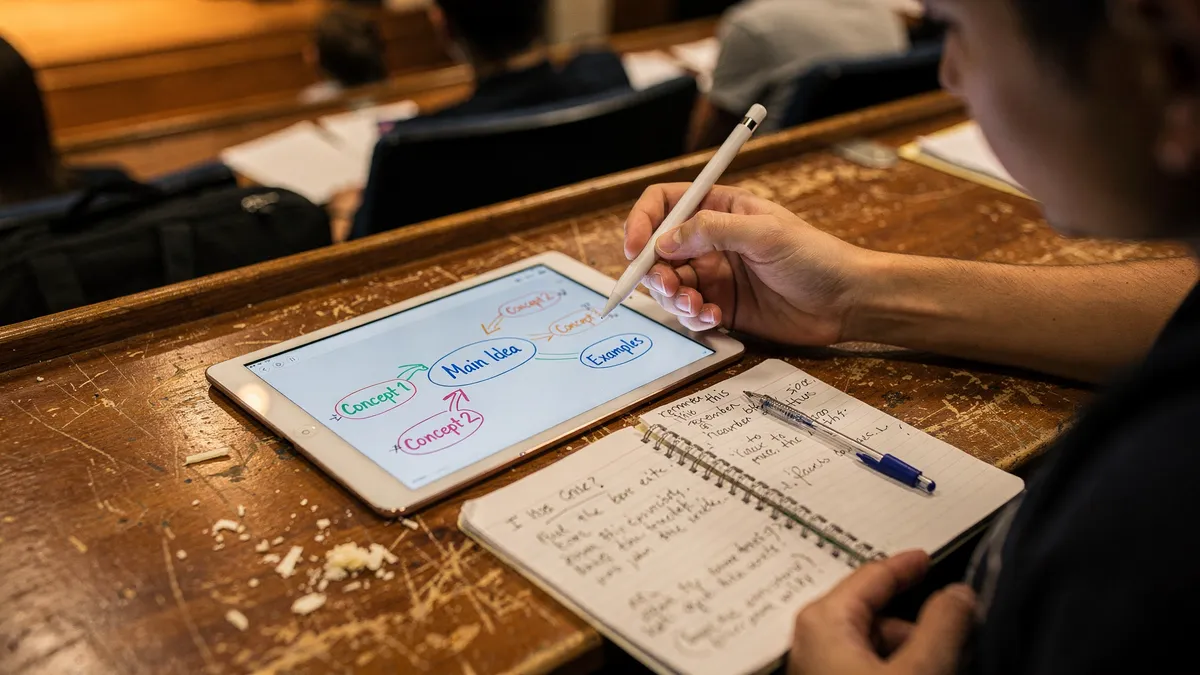
There's no shortage of digital tools for the classroom designed to support instruction, student engagement, and learning. Modern classrooms are being transformed by educational technology. The introduction of tablet computers, note-taking applications (apps), and other education technology in the classroom are altering the way students take notes and consume and process information during class. Let's get into some of the best note-taking apps for students.
How Do Digital Note Taking Apps for Students Work?
Note-taking applications allow students to store all notes and important information digitally - usually in a cloud-based storage system. The ability to access notes from multiple devices or locations is beneficial for students. Additionally, the ability to share notes with classmates is another benefit of these apps.
Students who take more course lecture notes in general are higher achievers. This is true regardless of whether they're taking handwritten notes or using a digital note-taking app. However, according to research published by the Association for Psychological Science, students who took notes on a laptop didn't remember conceptual material as well as those who took handwritten notes, though they performed equally well when questioned about factual information.
Top Digital Note Taking Apps for Students
When choosing a note-taking app for your students - you'll want to consider the following factors:
- Free or close to it (under $10 per year, where possible)
- Supports a range of instructional strategies
- Allows both students and teachers to take the activator role
With that said, let's take a look at some of the top digital note-taking apps for students.
Google Keep
Google Keep is preinstalled on Android phones and offers a mix of simplicity and functionality. You can take notes and make lists using your voice or keyboard. It also allows you to capture images, set reminders, and even create drawings.
The app is easy to use and integrates with Google Drive and other Google services - making it a great option for students who are already using other Google products. Additionally, the app is free and doesn't require a subscription, making it an excellent choice for students on a budget.
Microsoft OneNote
Microsoft OneNote is the best free note-taking app and in serious contention to be the best note-taking app overall. OneNote is incredibly freeform when it comes to taking notes, which allows it to adapt to whatever your specific needs are. You can type notes, draw sketches - insert images, record audio, and even embed videos.
OneNote also syncs with Microsoft's Office suite tools, Excel, and Outlook - making it easy to transfer information between apps. Additionally, OneNote is available on multiple platforms, including Windows, Mac, iOS - and Android, so students can access their notes from anywhere.
Notability
Dr. James Giancaspro, Associate Professor at the University of Miami, uses Notability to create course reports that include handwritten text, diagrams - and equations. Notability is a great app for students who prefer to write their notes by hand but still want the convenience of a digital format.
The app allows you to import PDFs, annotate images, and record audio while taking notes. Additionally, Notability includes a built-in OCR tool, which can convert handwritten notes into searchable text.
Notion
Notion is described as a "big kid's note-taking app" that's capable of capturing various projects - from simple to-do lists to budgets and planning documents. Notion is a versatile app that can help students stay organized and manage their time effectively.
The app includes features such as task management, project tracking, and calendar integration, making it an excellent tool for students who need to balance multiple responsibilities. Additionally, Notion is free to use - with premium features available for purchase.
Conclusion
Digital note-taking apps can be a valuable tool for students to improve their productivity and organization. By choosing the right app for your needs, you can streamline your note-taking process and improve your academic performance.
Consider the features you need in a note-taking app and choose one that fits your needs. Whether you prefer a simple and straightforward app like Google Keep or a more thorough app, there's a digital note-taking app that can help you succeed in your studies.
References
- digital tools for the classroom - nwea.org
- take more course lecture notes - pmc.ncbi.nlm.nih.gov