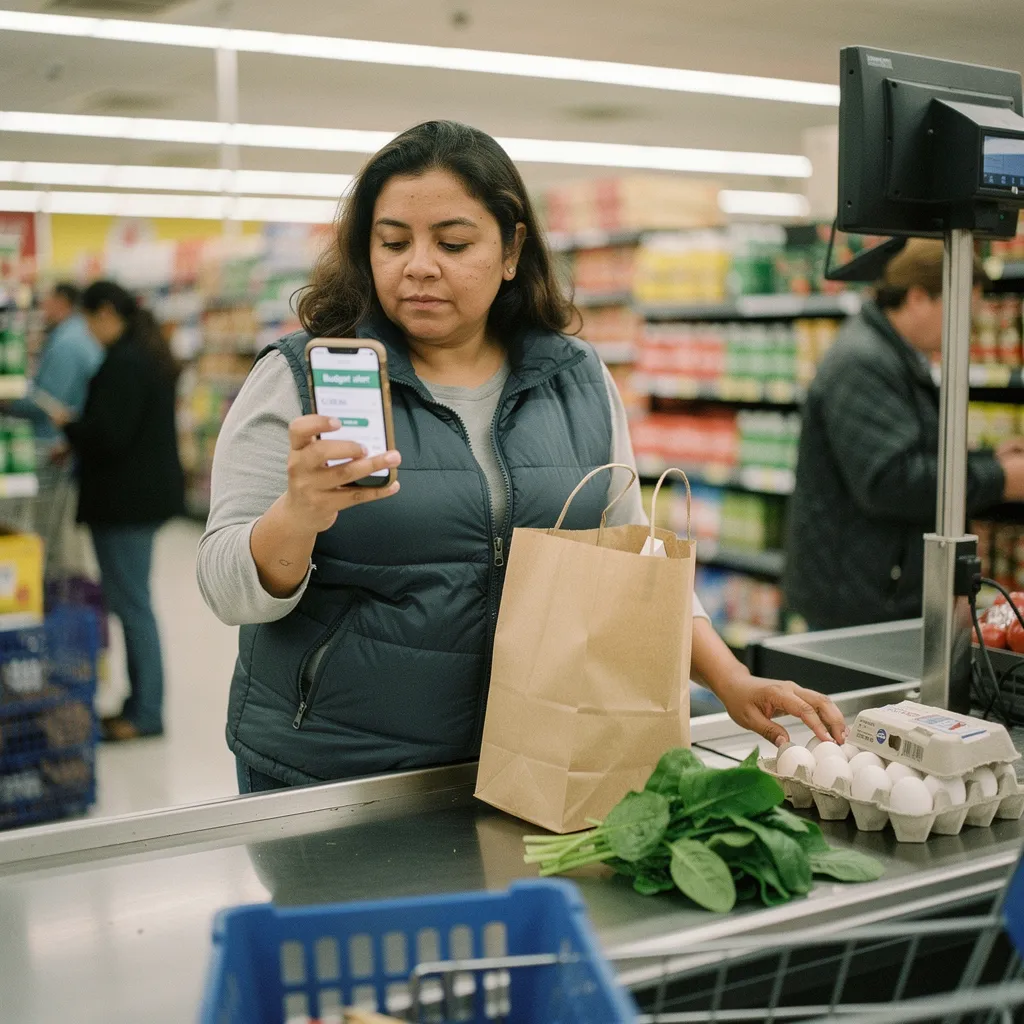
About half of Americans don't have a budget, according to information on the Consumer Financial Protection Bureau website.1 Budget apps exist to close that gap by making expense tracking automatic. Here is a plain account of how they work, what they charge - and where their limits are.
What Personal Budget Apps for Everyday Expense Tracking Actually Do
A budget app connects to your bank accounts, credit cards, and sometimes investment accounts. It pulls in each transaction, sorts it into a category - groceries, rent - dining out, subscriptions - and shows you a running total. The core job is simple: according to the Federal Deposit Insurance Corporation (2023), a budget helps individuals keep track of how much money they earn, spend, and save.2 An app automates the recording part of that job.
Most apps let you set spending limits per category. Spend $400 on groceries in a month and the app flags you when you hit $380. Some apps also track upcoming bills - net worth across accounts, or debt payoff progress. These are extras layered on top of the basic tracking function. The core feature - transaction import and categorization - is what distinguishes a budget app from a plain spreadsheet.
Only around 36% of Americans have a written financial plan, according to Charles Schwab's Modern Wealth Survey.3 Schwab also reports that about 96% of people with a plan feel confident they will reach their financial goals, while around 76% feel more in control of their finances.3 A budget app doesn't replace a full financial plan, but it creates the spending record that any plan needs as a foundation.
How the Sync and Categorization Engine Works Under the Hood
Most apps use a data aggregator - a third-party service that holds your bank login credentials and retrieves transaction data on a schedule - typically once every 24 hours. Your transactions arrive in the app already labeled. The categorization is rule-based at first: a charge from a known grocery chain gets tagged as groceries automatically. Over time some apps apply machine learning to improve accuracy on ambiguous merchants.
The security implication matters here. The Consumer Financial Protection Bureau has noted that funds held in some popular apps aren't protected by federal deposit insurance, and has advised consumers to regularly move their funds to an insured account.4 If an app holds a balance - rather than just reading your bank balance - that balance may not be covered if the app fails. Reading your data is different from holding your money; understand which category the app you choose falls into.
The CFPB also estimates that the most widely used apps collectively process over about 13 billion consumer payment transactions annually.4 That scale means regulators are paying attention. The CFPB issued a rule enabling it to supervise companies handling more than about 50 million transactions per year.4 Apps at that size now face federal oversight similar to what banks receive. Smaller apps don't yet face the same scrutiny.
On the password and access side, pubs.ext.vt.edu cites the Consumer Financial Protection Bureau (June 2021) guidance that longer passphrases are generally more secure than short, complex passwords because they're harder for attackers to guess or crack.2 Use a unique, long passphrase on any account that connects to your financial data.
What Budget Apps Cost and How the Pricing Tiers Break Down
Most apps offer a free tier and a paid tier. The free tier usually covers basic transaction import and categorization. The paid tier adds bill forecasting - custom reports, priority support, or investment tracking. Prices shift over time and vary by platform, but the ranges below reflect typical market positioning as of recent years.
| Tier | Typical Monthly Cost | Typical Annual Cost | What It Usually Includes |
| Free | $0 | $0 | Basic transaction sync, auto-categorization - spending totals |
| Entry Paid | Around $6 - $8/month | Around $60 - $80/year | Custom categories, bill tracking, basic reports |
| Mid-Tier Paid | Around $10 - $13/month | Around $100 - $130/year | Investment tracking, net worth dashboard, priority sync |
| Full-Featured Paid | Around $14 - $18/month | Around $150 - $200/year | Debt payoff tools - custom reports, multi-account views, data export |
Side-by-side comparison: a free tier costs nothing but often limits how many accounts you can connect or how far back transaction history goes. A mid-tier paid plan at around $10 per month costs about $120 per year. On a household that spends roughly $3,000 a month, that $120 is about 0.3% of annual spending - a small cost if the app catches even one repeated subscription you forgot about or one overspend category you correct.
Worked example: say a person brings in $4,500 per month after tax and currently has no budget. They sign up for a free app tier and connect two accounts. In the first month the app shows $310 going to dining out, $85 to streaming subscriptions, and $420 to irregular shopping. Seeing those numbers in one place, they cancel two unused subscriptions worth about $30 per month. Over a year that's around $360 recovered - more than covering the cost of any paid tier they might upgrade to later.
Common Questions About Switching Apps and Protecting Data
A 2023 study published on pmc.ncbi.nlm.nih.gov, using data from 449 university students - found that financial literacy, mental budgeting, and self-control have a favorable and noteworthy influence on financial well-being.5 An app supports the mental budgeting habit, but it doesn't substitute for understanding what the numbers mean.
People often ask whether switching apps loses their history. It usually does. Transaction data pulled by an aggregator is stored in the app, not exported easily. Before switching - export whatever CSV or PDF reports the app offers. Some apps charge for data export on free tiers - check before you rely on history being accessible.
People also ask whether free apps are safe. The honest answer is: it depends on the app's revenue model. A free app that sells anonymized transaction data to third parties is a different risk profile than a free tier of a paid product. Read the privacy policy before connecting a bank login. Look specifically for language about selling or licensing transaction data to advertisers or data brokers.
A common mistake is connecting the app and then not reviewing it. Auto-categorization makes errors. A car repair categorized as entertainment, or a medical copay filed as dining, skews every report the app produces. Spending ten minutes per week correcting categories is the minimum maintenance that makes the data trustworthy.
When to Talk to a Professional
Budget apps track spending. They don't give financial advice, and this article doesn't either. If the spending picture an app reveals points to serious debt, an inability to cover fixed expenses - or decisions about retirement accounts and tax strategy, that calls for a qualified professional - a certified financial planner (CFP) or a nonprofit credit counselor, not another app feature.
All figures in this article are approximate and change over time. App pricing, CFPB rules, and data-sharing regulations are all in motion. For your own situation - verify current pricing directly with the app provider and consult a licensed financial professional before making decisions that affect your savings, debt, or investments.
The three things that matter most: tracking works only if the categories are accurate, so review them regularly. Understand whether the app holds money or only reads data, because the CFPB has flagged insurance gaps in some app-held balances. And the habit of looking at the numbers - not the app itself - is what drives the improvement that research links to financial well-being.
References
Disclaimer
This article is for general informational purposes only and isn't financial - investment, insurance, or tax advice. Rates, fees, and rules change and vary by lender and situation. For decisions about your own money - consult a qualified financial professional.